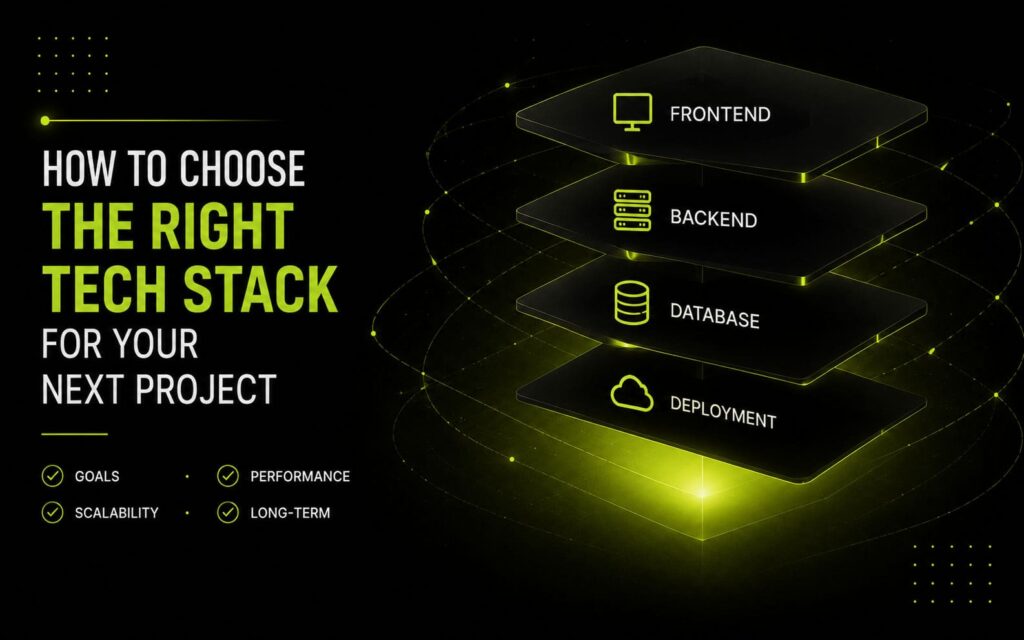
Every few months I get a version of the same question from a client or founder: ‘Should we build this in React or just use WordPress? Do we need Laravel or is PHP enough? What tech stack should we choose?’ The answer is never a single framework recommendation. The right web development tech stack for any project depends on four things: your data model, your team’s future capacity, your timeline, and what ‘done’ actually looks like for version one. Here’s the framework I use after 10+ years of building across stacks.
The Problem with Stack Debates
Most tech stack discussions online are tribal. React developers say React everywhere. Laravel people think everything needs an MVC framework. The WordPress community uses WordPress for things that have no business being in WordPress. I’ve been on all three sides of this at different points in my career.
The issue is that stack decisions get made based on what the developer already knows, what’s trending, or what the client read about in a blog post. None of these are good reasons. A poor stack choice on a serious project costs months — not in rewriting code, but in fighting the wrong abstractions at every step.
The Four Questions I Ask Before Recommending a Stack
1. What Is Your Primary Data Model?
This is the most important question and the one that gets skipped most often. Every major framework is optimised for a particular data shape:
- Content (pages, posts, media, authors): WordPress is unbeatable. Its admin UI, media library, and ecosystem are built for this.
- Products and orders: WooCommerce on WordPress, or Shopify if the client needs to avoid technical maintenance entirely.
- Custom relational data (assessments, bookings, scoring systems, CRM-adjacent tools): Laravel or Node.js with a proper relational database.
- Highly interactive single-page experience: React or Vue, potentially with a headless CMS for content.
- Static content site with minimal dynamic requirements: Next.js with static generation, or even just a well-structured HTML/CSS build.
If your data model matches what the framework was designed for, you work with the grain. If it doesn’t, you’re fighting the framework from week one.
2. Who Maintains This After Launch?
The most underrated factor in any tech stack decision is maintainability — specifically, who will maintain it and what skills they have. I’ve built beautiful Laravel applications that became unmaintainable because the client’s internal team only knew WordPress. I’ve also seen simple informational sites built in Next.js that the client couldn’t update themselves and needed a developer for every text change.
My rule: if the client or their team needs to edit content regularly without developer help, the stack must include a CMS with a friendly admin UI. If the codebase will be maintained by developers with a specific background, build in the stack that matches that background. Choosing a technically superior stack that nobody on the maintenance side can touch is a mistake.
3. What Does Version One Actually Need?
Scope creep happens in stack selection too. A client describes ‘phase two’ features — real-time notifications, a mobile app, an API for partners — and the developer overbuilds the initial stack to accommodate futures that may never arrive. Version one of most projects needs:
- A working data model with the core entities
- A functional admin interface for managing that data
- A frontend that does the job without over-engineering the component architecture
Build for version one. Design the data layer to be extensible. Don’t build a microservices architecture for a startup that has 50 users.
4. What Is the Real Timeline?
Timeline pressure changes stack selection in a practical way. A modern React + REST API build is architecturally clean but takes longer to scaffold for a straightforward site than a WordPress build with a custom theme. If a client needs something live in three weeks, WordPress with thoughtful customization is often the right answer — not because it’s technically superior, but because the development speed and ecosystem support are unmatched for standard requirements.
Conversely, if you have three months and the requirements are genuinely complex, taking the extra time upfront to build in Laravel or React pays off in maintainability over the following two years.
My Current Default Stack Decisions
After 10+ years, here’s where I land by default — not as rules, but as starting points that I deviate from when the four questions above push me elsewhere:
- Brochure site / portfolio / blog: WordPress with a custom theme. Fast, client-editable, SEO-proven.
- E-commerce under 1,000 SKUs: WooCommerce. Over 1,000 SKUs or complex inventory: Shopify or a custom build.
- Custom data management tool / internal dashboard: Laravel + Filament.
- High-interactivity web application (think SaaS dashboard, social platform): React frontend, Laravel or Node.js API backend.
- Mobile app with shared codebase: React Native with an Expo managed workflow to start.
- High-performance marketing site with animation requirements: WordPress or a static framework (Astro, Next.js static) with GSAP for interactions.
The Trap: Choosing Based on What’s New
The most expensive tech stack decision I’ve seen clients make: choosing something because it’s new and exciting. New frameworks have smaller ecosystems, fewer solved problems, and less Stack Overflow coverage. For a side project where learning is the goal, new is great. For a client project with a real deadline and real users, proven and boring is usually better.
This doesn’t mean avoid modern tools. It means make sure the tool you’re choosing has enough production history and community support that when you hit an edge case (and you will), there’s an answer somewhere.
One Real Example
A client came to me wanting to build a multi-vendor beverage education platform — courses, instructors, certifications, payments, and a discussion forum. Initial instinct from their side: ‘Let’s do it in WordPress with a LearnDash plugin.’
After running through the four questions, the answer was different. Their data model was relational (instructor → courses → students → certifications, all with their own fields and relationships). The maintenance team was technically capable. Version one needed all of this working simultaneously. Timeline was four months.
We went with Laravel for the backend, React for the course player and dashboard, and a separate WordPress instance just for the blog and marketing pages. More complexity upfront, but each tool was doing what it was designed to do. The integration boundary was clean.